Flutter Game Monetization: Ads, In-App Purchases, and Retention
A practical guide to Flutter game monetization: rewarded ads, in-app purchases with RevenueCat, 60 FPS performance tuning, and GDPR with iOS ATT.

Published on 8 min
On this page
Many developers treat game monetization as nothing more than adding a plugin to pubspec.yaml. In practice, it is a core architectural decision. If you pop a full-screen interstitial video in the middle of a tense moment, players will uninstall your game on the spot. If you place a banner in the wrong spot in your widget tree, Platform Views will destroy your 60 FPS frame rate. And if your reward buttons fail when players go offline, your support inbox will fill up quickly.
Flutter is an excellent platform for casual, arcade, and puzzle games, pairing a flexible widget system with a fast rendering engine. But turning a fun game into a viable business requires clean code and a monetization model that respects your audience. In this guide, we share the monetization architecture we built at Psittacus Studio. We focus on practical engineering decisions: managing rewarded ad lifecycles, keeping frame rates at a smooth 60 FPS, validating purchases on the server, and correctly sequencing GDPR and ATT consent dialogs.
The four pillars of a hybrid model
Relying entirely on aggressive banner and interstitial ads works only for hypercasual titles, where the average player lifespan is a few days. For games designed around long-term retention, a hybrid model works much better. Industry data consistently points to a clear revenue split: roughly 30% from voluntary ads and 70% from in-app purchases (IAP). The primary metric to track is impressions per daily active user (imp/DAU), balanced against lifetime player value (LTV).
A dependable monetization model rests on four pillars:
- Rewarded video ads. The player chooses when to watch a short video in exchange for a tangible perk: an extra life, an energy refill, a second chance after a game over, or a helpful hint. Giving players full control builds trust and encourages repeat sessions.
- One-time remove-ads purchase. A classic utility purchase. From a behavioral standpoint, removing ads is the easiest and most natural first step for players to spend money in your game.
- Consumable item packs. An option for players who value their time and prefer buying bundles of coins, lives, or power-ups rather than repeatedly watching video clips.
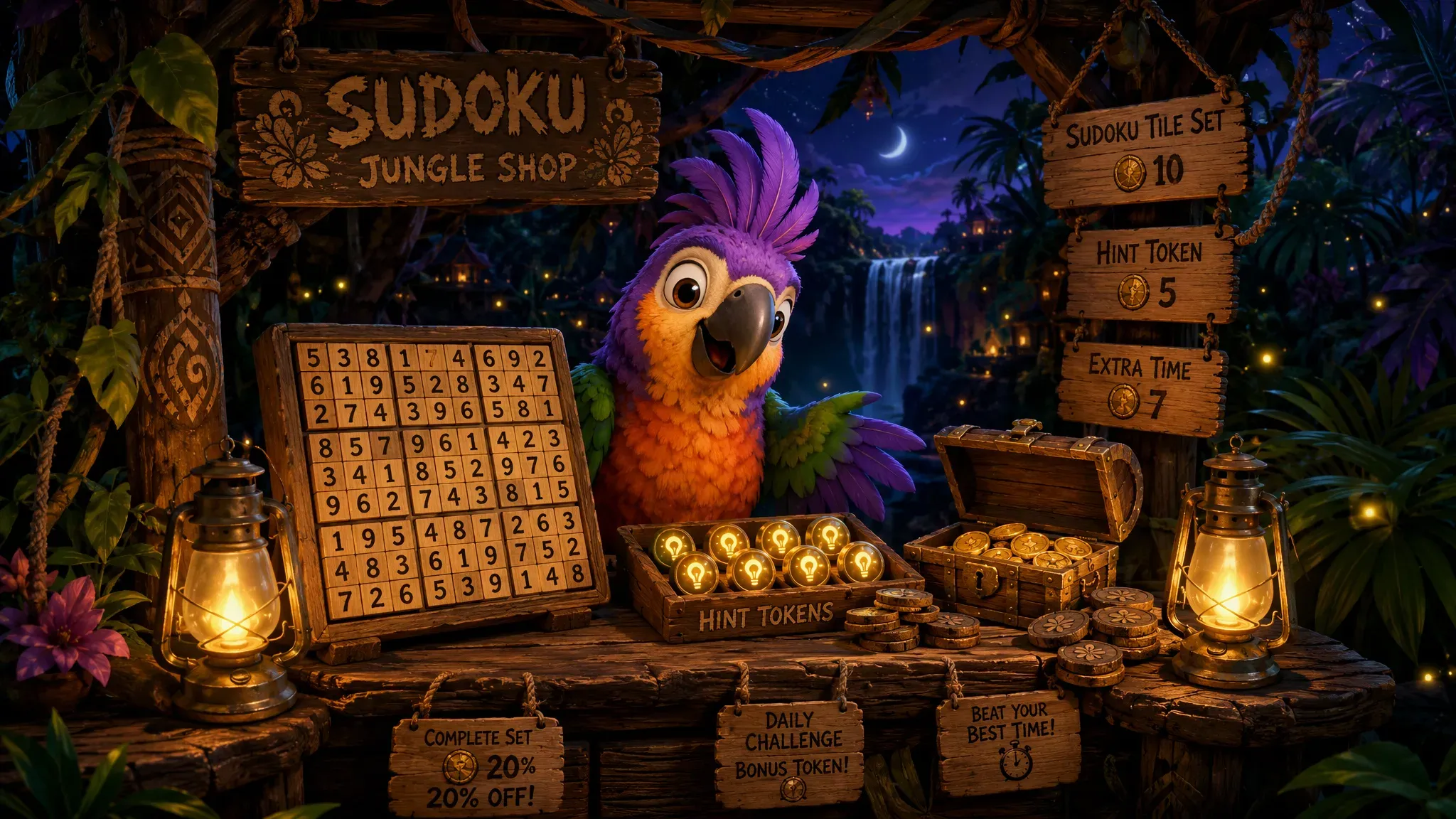
- Subscription (VIP Pass / Club). A recurring membership offering a daily allowance of game resources, access to exclusive levels or cosmetic items, and an ad-free interface.
One essential rule governs this entire setup: paying players must never feel cut off from the reward economy. If someone buys your remove-ads tier, locking them out of bonus rewards is a critical design mistake. Leading games handle this with an instant reward button or skip tickets. Paying users tap the button and claim their perk instantly, without loading or watching a promotional video.
You should also consider escalating assistance gradually. Instead of solving a puzzle or clearing an obstacle outright, offer a small nudge first, such as highlighting an area of interest. Only reveal the full answer if the player asks for help again. This keeps the challenge rewarding while preserving the perceived value of your items.

Rewarded ads in Flutter: handling offline play and empty ad fill
Most tutorials show a bare-bones snippet: load an ad, call show, and grant the reward in a callback. In production, that simplistic approach breaks down quickly. Ad networks frequently fail to return an ad, a scenario Google AdMob reports as LoadAdError(code: 3) (No fill). Players also routinely open games on trains, flights, or in areas with poor reception.
The reward button in your user interface needs to handle three distinct states:
- Loading: Checking in the background whether an ad is cached in memory.
- Ready: An active button displaying a video icon, signaling that an ad is ready to play.
- Unavailable with fallback: When the network returns no ad, never show a disabled button or an error dialog. Instead, provide a free resource on a cooldown timer (such as once every ten minutes). The player stays engaged and never feels punished by a network hiccup.
One vital security rule: grant rewards only inside the onUserEarnedReward callback. The dismissal event (onAdDismissedFullScreenContent) only confirms that the full-screen view closed, which can happen before the player watches the required duration.
The module below implements this flow using google_mobile_ads, including background preloading and debounced tap protection:
import 'dart:async';
import 'package:google_mobile_ads/google_mobile_ads.dart';

class GameRewardedAdManager {
  RewardedAd? _ad;
  bool _isShowing = false;

  void preload() {
    _ad?.dispose();
    _ad = null;
    RewardedAd.load(
      adUnitId: RewardedAd.testAdUnitId,
      request: const AdRequest(),
      rewardedAdLoadCallback: RewardedAdLoadCallback(
        onAdLoaded: (ad) => _ad = ad,
        onAdFailedToLoad: (error) {
          _ad = null;
          // Code 3 indicates no fill. Retry after a backoff delay.
          unawaited(Future.delayed(const Duration(minutes: 2), preload));
        },
      ),
    );
  }

  Future<bool> showForReward() async {
    final ad = _ad;
    if (ad == null || _isShowing) return false;

    final completed = Completer<bool>();
    _isShowing = true;

    ad.fullScreenContentCallback = FullScreenContentCallback(
      onAdDismissedFullScreenContent: (ad) {
        ad.dispose();
        _isShowing = false;
        if (!completed.isCompleted) completed.complete(false);
        preload(); // Prepare the next ad for future requests
      },
      onAdFailedToShowFullScreenContent: (ad, error) {
        ad.dispose();
        _isShowing = false;
        if (!completed.isCompleted) completed.complete(false);
        preload();
      },
    );

    await ad.show(
      onUserEarnedReward: (ad, reward) {
        // Only grant the game reward upon verified completion
        if (!completed.isCompleted) completed.complete(true);
      },
    );

    return completed.future;
  }
}
Preloading removes frustrating pauses: ads load quietly in the background while the user plays, so tapping the button launches the video immediately. The _isShowing boolean flag prevents duplicate ad calls caused by quick double taps.
The underlying economy logic uses pure Dart with zero external plugin dependencies, making it testable directly in DartPad and fully functional offline:
class GameEconomyWallet {
  int _balance = 3;
  DateTime? _lastFreeBonusAt;

  int get balance => _balance;

  Duration get freeBonusCooldown {
    final last = _lastFreeBonusAt;
    if (last == null) return Duration.zero;
    final elapsed = DateTime.now().difference(last);
    const cooldown = Duration(minutes: 10);
    return elapsed >= cooldown ? Duration.zero : cooldown - elapsed;
  }

  bool grantFromRewardedAd() {
    _balance++;
    return true;
  }

  bool grantFreeWithCooldown() {
    if (freeBonusCooldown > Duration.zero) return false;
    _lastFreeBonusAt = DateTime.now();
    _balance++;
    return true;
  }

  bool consume() {
    if (_balance <= 0) return false;
    _balance--;
    return true;
  }
}

void main() {
  final wallet = GameEconomyWallet();
  assert(wallet.consume());
  assert(wallet.consume());
  assert(wallet.consume());
  assert(!wallet.consume()); // Wallet empty
  assert(!wallet.grantFreeWithCooldown()); // Cooldown active
  print('Wallet logic verified: ${wallet.balance} items available');
}
Banner ads and 60 FPS performance: avoiding layout jank in Flutter
Banners yield the lowest eCPM of all ad formats, and in Flutter they pose real technical hazards. The AdWidget uses Platform Views, which embed native Android and iOS views directly into Flutter’s rendering pipeline. Mismanaging these views forces expensive layout passes on the UI thread, causing dropped frames (jank).
Three engineering habits keep your frame rate at a solid 60 FPS:
- Reserve layout space explicitly. Wrap your
AdWidgetin aSizedBoxwith fixed dimensions matching your ad format, alongside aSafeArea. This stops the game layout from jumping vertically when the banner finishes loading. In an active game, an unexpected screen shift leads to misclicks and player frustration. - Keep the banner instance in your state. Instantiate your
BannerAdonce in a state controller and keep it alive across screen updates. Creating new instances inside widgetbuild()methods causes memory leaks and continuous reload cycles. - Initialize the SDK asynchronously off the main path. Call
MobileAds.instance.initialize()inside yourmain()function asynchronously usingunawaited(). This ensures third-party SDK startup overhead never delays your game’s first rendered frame.
The cleanest approach is spatial hygiene: place banner ads only on static screens, such as the main menu, level selection screens, or pause menus. Keep the active gameplay canvas 100% ad-free. Smooth 60 FPS performance and a clean visual presentation are essential for keeping players around.

in_app_purchase versus RevenueCat: server-side purchase verification
When you add consumable packs and subscriptions to your game, you face a major architectural choice: use the official in_app_purchase package, or adopt a managed solution like RevenueCat.
The difference is not about client syntax; it is about who verifies transactions. The in_app_purchase package provides direct bindings to StoreKit and Google Play Billing, but leaves all backend work to you: verifying cryptographic receipts against Apple and Google endpoints, handling subscription grace periods, managing billing retries, and syncing account entitlements. Skipping server validation leaves your game vulnerable to modified binaries that fake local store purchases.
RevenueCat provides that infrastructure as a managed service: it validates receipts, normalizes subscription states across stores, tracks user entitlements, and provides revenue dashboards out of the box. For an indie studio, its free tier covering up to $2,500 in monthly tracked revenue removes fixed costs and saves weeks of backend development.
In your Flutter app, checking access requires just a clean entitlement query:
import 'package:purchases_flutter/purchases_flutter.dart';

Future<bool> hasPremiumAccess() async {
  final customerInfo = await Purchases.getCustomerInfo();
  // The 'premium' entitlement is configured in the RevenueCat dashboard
  return customerInfo.entitlements.all['premium']?.isActive ?? false;
}

Future<CustomerInfo> restorePurchases() async {
  return Purchases.restorePurchases();
}
A regulatory reminder: using RevenueCat means you must declare its telemetry and purchase data collection in the Google Play Data Safety form and the Apple App Store Connect Privacy questionnaire. Skipping these disclosures can lead to app review rejections.
Privacy consents: sequencing UMP, GDPR, and Apple ATT
Google requires all developers serving ads to users in the European Economic Area (EEA), the United Kingdom, and Switzerland to use a certified Consent Management Platform (CMP) supporting IAB TCF 2.2. Google UMP (User Messaging Platform) is the free, certified CMP built directly into the AdMob console.
Correct implementation requires strict dialog sequencing:
- Check consent status on startup. Call
requestConsentInfoUpdate(). If consent is required (ConsentStatus.required), present the form before sending any ad requests. - Show UMP before ATT on iOS. The Google UMP form must always appear before Apple’s App Tracking Transparency (ATT) dialog. UMP establishes the legal basis for processing data under GDPR, while ATT governs access to Apple’s IDFA identifier. Firing both dialogs at the same time causes iOS to suppress one of them, losing consent permanently for that session.
- Provide a re-consent button in settings. European law mandates that revoking consent must be as simple as granting it. Add an option in your game settings that calls
showPrivacyOptionsForm(). - Use debug geography for testing. To verify consent forms while developing outside Europe, set
debugGeographytoDebugGeography.debugGeographyEeaon registered test devices. Make sure to strip all debug settings from your production builds.
When a user declines consent, ads do not stop entirely: AdMob automatically switches to contextual, non-personalized ads. Revenue is lower per impression, but fill remains active. Adding SKAdNetworkItems entries to your Info.plist also ensures attribution tracking continues without relying on IDFA.

Sandbox testing and release verification
Thorough testing of your purchasing and ad funnels prevents costly bugs after launch:
- Google Play License Testers: Add test accounts in Google Play Console through Google Play License Testers. These accounts run through real store billing screens without charging a credit card, returning valid test-annotated receipts.
- Xcode StoreKit Configuration files: On iOS, a local StoreKit Configuration (.storekit) file lets you simulate full subscription lifecycles: accelerated renewal intervals, expired subscriptions, refunds, and billing errors. Scenarios that normally take weeks can be validated in seconds.
- AdMob account safety: Clicking live production ads is the quickest way to get your publisher account suspended. During development, always use official test ad unit identifiers and register your physical test devices in
testDeviceIds.
FAQ: Frequently Asked Questions
Can a mobile Flutter game survive on ads alone?
In practice, a purely ad-driven model rarely works well for casual and indie titles. Players are often happy to pay for an ad-free experience or consumable item bundles. Relying entirely on ads forces you to increase ad frequency, which hurts retention and leads to negative store ratings.
Why do banner ads still show after purchasing ad removal?
This is almost always a state synchronization bug. It happens when your app checks user entitlements only once at startup without listening to the real-time purchaseStream, or when it relies on an unrefreshed local cache. Any change in entitlement status must update your widget tree reactively.
When does a subscription model make sense for a single-player game?
A subscription works when your game delivers ongoing, recurring value: daily challenges, a steady stipend of resources, an ad-free interface, and regular content expansions. If your title features a fixed set of levels, a one-time remove-ads purchase paired with consumable bundles converts much better.
Further reading from our engineering blog: where mobile game ideas come from, solo mobile game development, Flutter game performance optimization, and managing game save data in Flutter.
Authored by Maksymilian Jackowski, founder of Psittacus Studio and lead developer of mobile games at Psittacus Studio.
Polydocu - a sudoku adventure
Nine digits, an expedition through the jungle, Poly the parrot, and no artificial roadblocks. Join the waitlist and we will notify you when the game launches.
One email at launch, no spam.